
My images
Icon

I choose my first imagine to be a purple ribbon for my website. I used the website Vectr. I adored the purple color when I was looking at different colors. I liked the yellow underneath with a little white on the middle to state “Kenley’s Blog”. I thought about editing the name to fit better and be more visible like 2 initials instead of words. However, I like the tiny bit of white as an offset from the purple and yellow.
Header
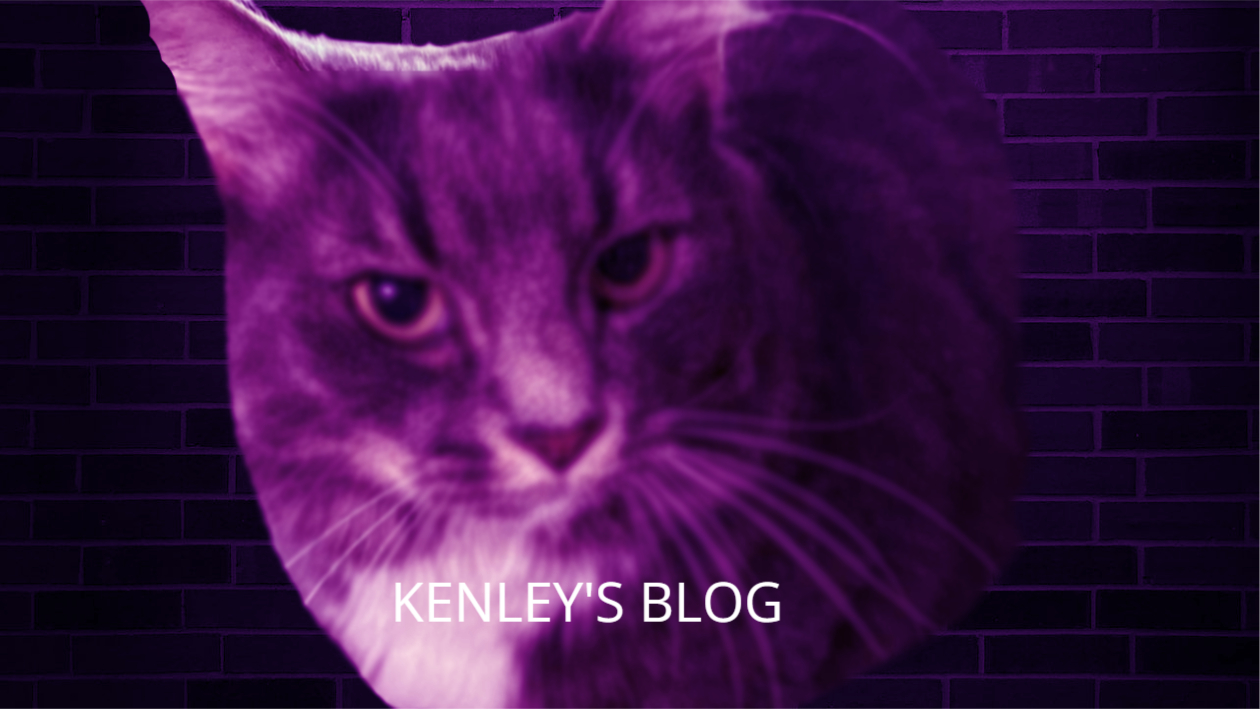
My header imagine is my actual cat. I used Photopea for the background of the brick and putting the photo on it. I created a blur on it after removing a whole bunch of white space around charlotte. Then, I used vectr again to create the writing on it. I am not a creative person therefore I wanted to use as many resources as I could. I choose to use a picture of my own cat Charlotte because I didn’t want to use a cat from one of the sites. I also choose the purple to blend with the dark blue/purple theme to not create an eyesore. I Choose white for the font because any other color is an eyesore. Once I picked the image, I used PicResize to shrink it to properly fit without any blurriness that wasn’t intentional.
Image types
For my Icon, I used a JPEG file. I choose this type because it was what was the choice when I went to properly download the image. For the cat image in the header, it is JPG file. I also choose this because it was the option given. I prefer the JPG file over JPEG because I feel as though the image is stronger and clearer.
Process of creating
For my first image of Kenley’s Blog, I wanted something basic. Due to it being small for the website icon, I didn’t want it to be very detailed and layered. I added the ribbon and then wrote overtop of it with white lettering. For the cat image I used an already created a brick background and then added Charlotte overtop of it. After this, I took a long time trying to see how much I should cut out. I ended up choosing Char to be larger then the background of the brick. I choose black lettering because I wanted to offset the purple.
Leave a Reply